One unified
watchlist,
powered by your media libraries.
Track every movie, show, and sports event in one beautiful watchlist. Connect your media libraries and playlists to stream directly in PickFlick on iPhone, iPad, Mac, and Apple TV.
 PickFlick
 All Saved Titles





Apex Riviera Grand Prix 2026
Live coverage of the Apex Riviera Grand Prix. Drivers battle through the high-speed coastal sweepers and harbor chicanes with 10 laps remaining. Full team radio, pit telemetry, and onboard feeds.
Live Multiview
4 Synced Feeds 



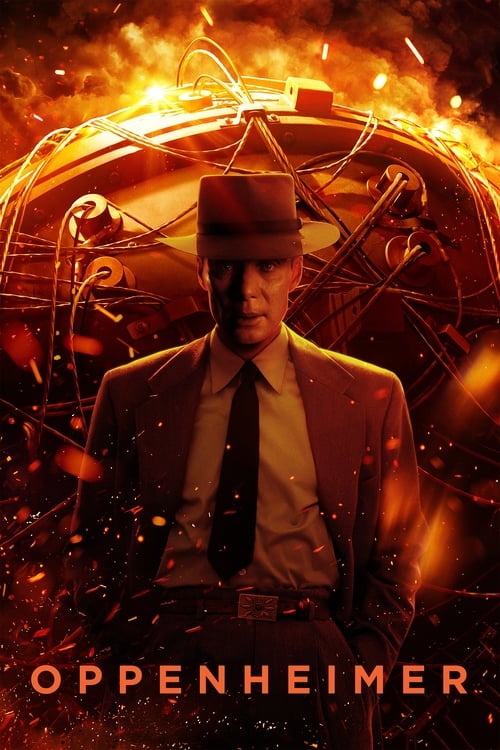
Dune: Part Two
Paul Atreides unites with Chani and the Fremen while seeking revenge against the conspirators who destroyed his family.
Continue Watching
Syncs with Apple TV & iPhone


Live & Upcoming Matches
Real-time Scores & Odds APIConfigured Media Libraries
Scan with your iPhone to transfer all playlists and credentials to Apple TV instantly.
The universal watchlist
powered by your media libraries.
PickFlick brings all your movies, shows, and live events into one unified watchlist—then links your media libraries.
One Watchlist. Automatic Media Library Detection.
Save any movie or TV series you want to watch. PickFlick indexes your connected media libraries (Xtreme Codes & M3U) and automatically identifies playable 4K and 1080p streams so you can jump right into playback.
Bring Your Own Media Libraries
Connect to any media provider in seconds. Add Xtreme Codes logins, M3U playlists, or Plex | Jellyfin media servers to power your watchlist.
Scan to Sync Apple TV
Tired of typing 60-character server URLs with your Siri Remote? Open PickFlick on Apple TV, point your iPhone camera at the screen, and your entire catalog syncs in seconds.
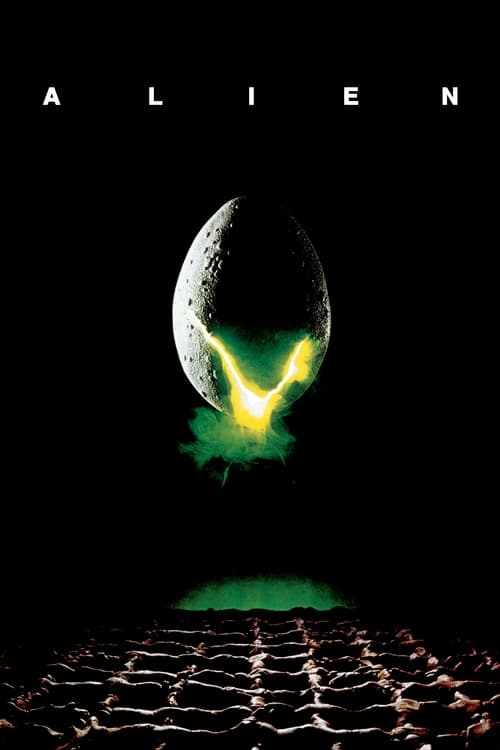
Sci-Fi Essentials
Curated by @pickflick. Save all 8 genre-defining masterpieces directly to your personal library with one tap, or share with friends via universal deep link.





Frequently Asked Questions
Everything you need to know about setting up and streaming with PickFlick.
How does PickFlick combine a watchlist with media libraries?
PickFlick allows you to discover and save any movie, series, or live sports event to your personal watchlist. When you connect your personal media libraries (like Xtreme Codes or M3U playlists), PickFlick automatically indexes your libraries and detects playable streams for your saved titles, enabling one-tap playback in our native player.
Can I curate and share custom watchlists with friends?
Yes. You can build themed watchlists for movie marathons, award seasons, or sports calendars and share them with friends via universal deep links or QR codes. When your friends open the link in PickFlick, it automatically cross-checks against their own connected media libraries.
What media library and playlist formats are supported?
PickFlick natively supports Xtreme Codes API logins (Live, VOD, and Series), M3U / M3U8 raw URL playlists and local files, XMLTV streaming EPG feeds, and Plex | Jellyfin media servers with direct library streaming.
How do I sync my media libraries and watchlist to Apple TV?
PickFlick includes instant QR Transfer. Open PickFlick on your iPhone or iPad, tap 'Share to Apple TV', and scan the on-screen code on your television. All watchlists, media libraries, credentials, and playback history sync in under a second.
Which Apple devices are supported?
PickFlick is a native universal app designed specifically for iOS (iPhone), iPadOS (iPad), macOS (Mac), and tvOS (Apple TV 4K & HD).
Stream without limits.
Experience PickFlick today.
Join movie lovers, series bingers, and sports fans who keep their watchlist in one place and stream directly from their media libraries.